
Smartphones have become an essential part of everyday life, but constant calls, messages and app notifications can easily interrupt our concentration. Whether you are working, studying, sleeping or simply taking some time away from your screen, frequent alerts can make it difficult to stay focused. This is where the Do Not Disturb feature becomes useful.
Many Android and iPhone devices
include a dedicated setting that allows users to control when and how
notifications should appear. Instead of completely disconnecting the device
from incoming communications, this feature gives users greater control over
interruptions.
The Do not disturb mode is
designed to reduce distractions by silencing selected calls, messages, alerts
and application notifications. Depending on the device and operating system,
users can decide which people or applications are allowed to interrupt them.
The primary purpose of this
feature is to prevent notifications from constantly demanding your attention.
When enabled, incoming alerts may continue to arrive in the background, but
your smartphone can prevent sounds, vibrations or other visual interruptions
from disturbing you.
For example, imagine that you are
preparing an important presentation. Your phone may continue receiving messages
and emails while you work, but you do not necessarily need to see or hear every
notification immediately. Once the mode is disabled, you can review the notifications
at a more convenient time.
The Do not disturb mode therefore
differs from simply turning off your phone or disconnecting it from the
internet. Your applications can continue operating, and notifications can still
be delivered; they are simply handled according to the rules you have
established.
Silent mode and Do Not Disturb
can appear similar because both can prevent your phone from making notification
sounds. However, their approach is different.
Silent mode generally works as a
straightforward volume control. When activated, the phone stops producing
certain sounds or vibrations, but it does not necessarily provide detailed
control over which notifications should be allowed.
Do Not Disturb, on the other
hand, is based on filtering and customization. You can create exceptions for
specific contacts, applications or situations. This makes it much more flexible
for people who want to remain reachable while avoiding unnecessary
interruptions.
For instance, you might allow calls from family members while blocking notifications from social media applications during the night.
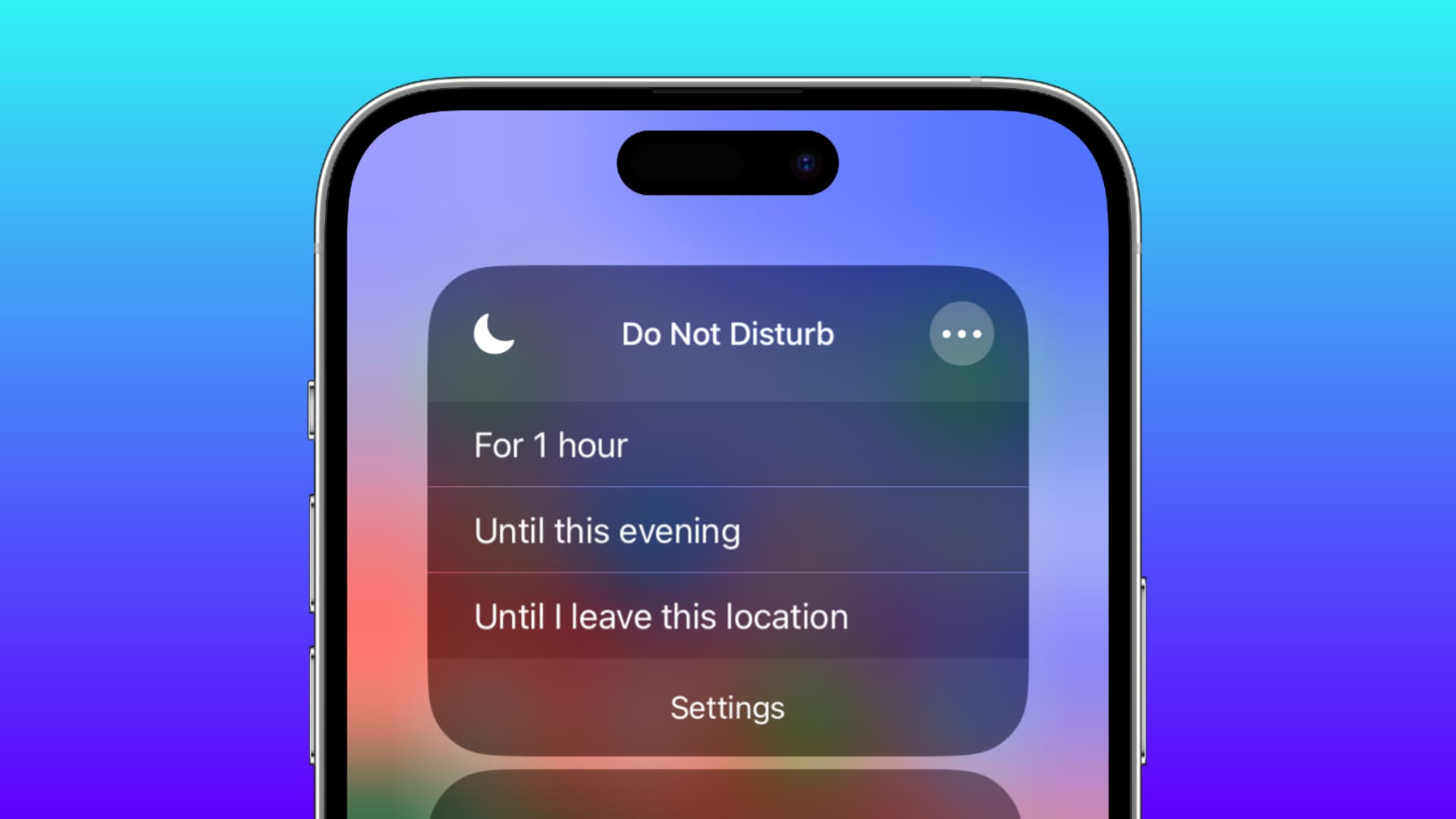
Modern smartphones have
transformed Do Not Disturb from a simple notification-silencing option into a
customizable focus tool. Depending on the operating system and device
manufacturer, you may be able to create different modes for work, sleep,
driving, meetings or personal time.
Some of the most useful
possibilities include:
These options allow users to
create a notification environment that matches their daily routines rather than
manually switching every alert on or off.
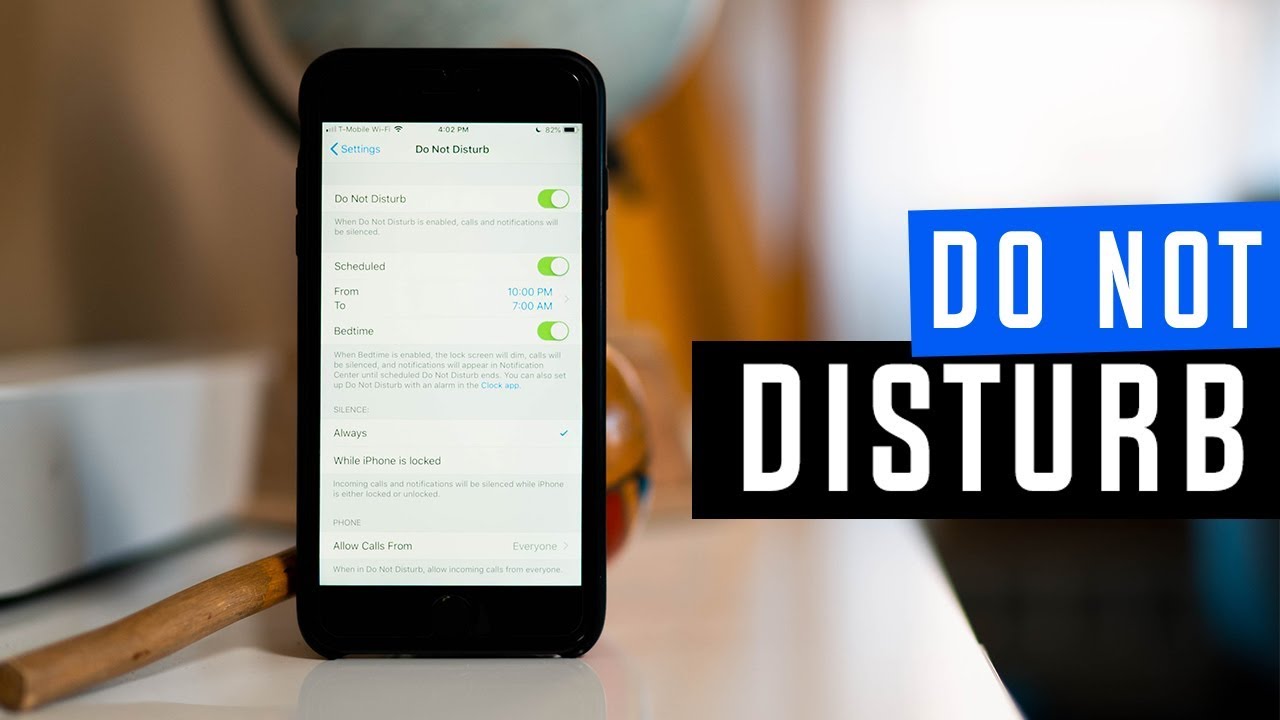
Yes. One of the most practical
aspects of the feature is automation. Instead of remembering to activate it
every evening, users can create a schedule that turns the mode on and off
automatically.
For example, you could schedule
the feature to start at 11 p.m. and end at 7 a.m. This can help create a more
consistent nighttime routine without requiring daily interaction with your
smartphone.
Automation can also be useful
during working hours. A user could configure the phone to minimize personal
notifications between 9 a.m. and 5 p.m. while continuing to receive alerts
considered important.
The Do not disturb mode can
therefore become part of a broader digital wellbeing strategy by reducing
unnecessary screen interruptions throughout the day.
The exact menu names may vary
depending on the Android manufacturer and software version. However, the
general process is usually straightforward.
Open the Settings application and
look for the Notifications or Sound and vibration section. From there, locate
the Do Not Disturb option. Once you enter the relevant menu, you can configure
which calls, messages and application notifications should be allowed.
Many Android phones also provide
a quicker method. By opening the Quick Settings panel from the top of the
screen, you may find a Do Not Disturb button. Tapping it can activate the
feature immediately, while pressing and holding the button may open its
detailed settings.
Because Android interfaces differ
between manufacturers, the exact location of these options can change.
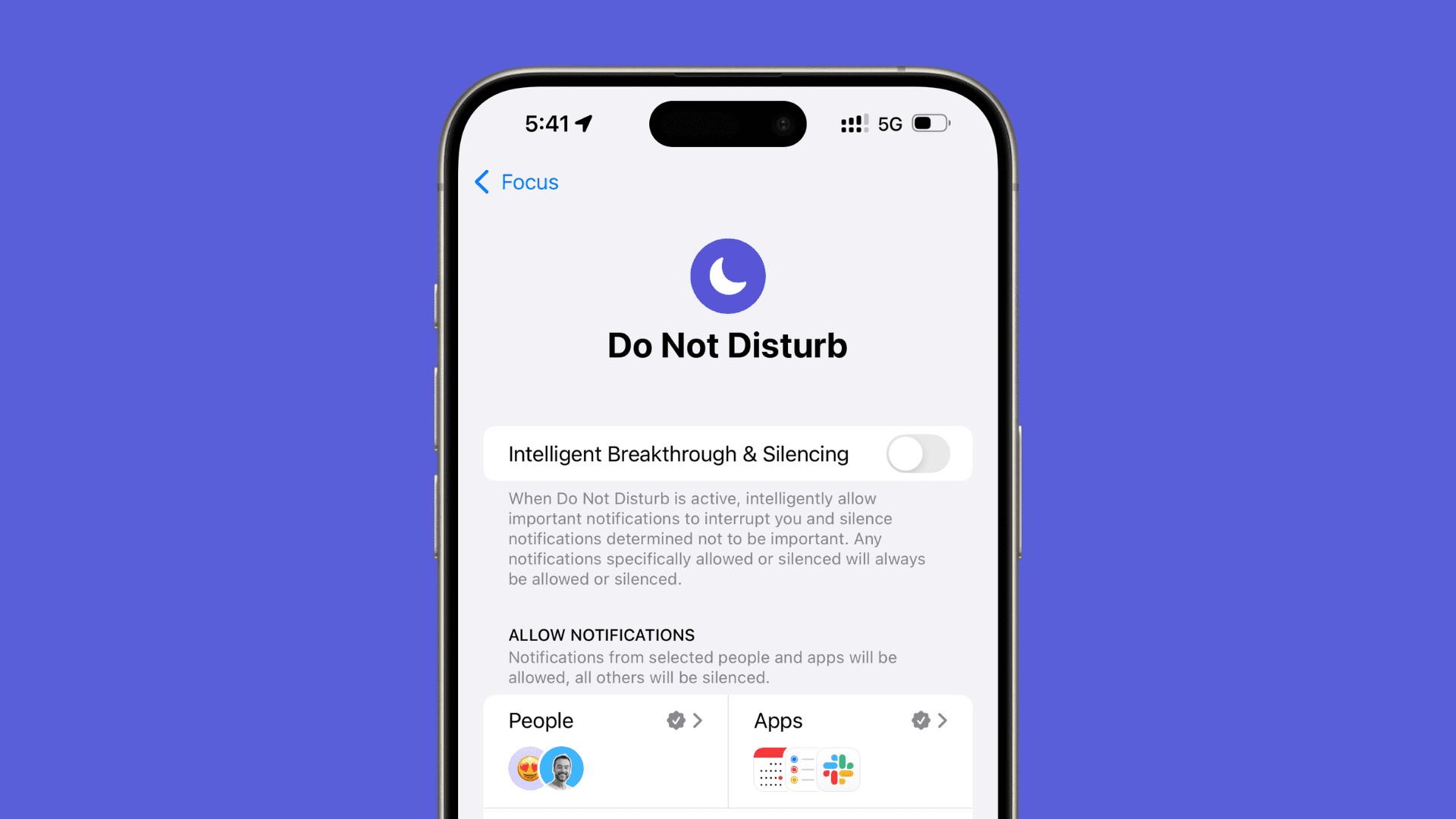
On an iPhone, Do Not Disturb is
included within Apple's Focus system. To access it, open Settings and select
Focus. From the available options, choose Do Not Disturb.
You can then configure the
feature according to your preferences. For example, you can select people who
are allowed to contact you, choose applications that can send notifications and
create a schedule.
The feature can also be accessed
quickly through Control Center. Opening Control Center and selecting Focus
provides a convenient way to activate Do Not Disturb without navigating through
multiple settings menus.
Yes. Do Not Disturb does not
necessarily mean that every call or notification will be blocked. Users can
create exceptions so that specific contacts remain able to reach them.
This can be particularly useful
during sleeping hours. You may want to silence almost every notification but
still allow calls from close family members. Depending on the operating system,
additional emergency-related options may also be available.
Repeated-call settings can provide another layer of flexibility. If someone calls more than once within a short period, the phone may be configured to treat the repeated call as potentially important.
Turning the feature off is
generally just as easy as turning it on. On Android, you can open Quick
Settings and tap the Do Not Disturb icon again, or access the relevant option
through Settings.
On an iPhone, open Control
Center, select Focus and deactivate Do Not Disturb. You can also return to
Settings > Focus > Do Not Disturb and switch it off there.
If the feature was activated
through a schedule, checking the automation settings is important. Otherwise,
the phone may automatically activate it again at the next scheduled time.
The feature can be useful in many everyday situations. Students can activate it while studying, professionals can use it during meetings, and anyone can schedule it during sleeping hours. It can also be useful when watching a movie, reading a book or spending uninterrupted time with friends and family.
The biggest advantage is that you
do not have to completely disconnect from your smartphone. Instead, you decide
which interruptions deserve your immediate attention.
Ultimately Do not disturb
mode provides a practical way to manage digital interruptions without
completely disabling your device. By combining schedules, contact exceptions
and application controls, you can create a notification setup that better fits
your lifestyle.