
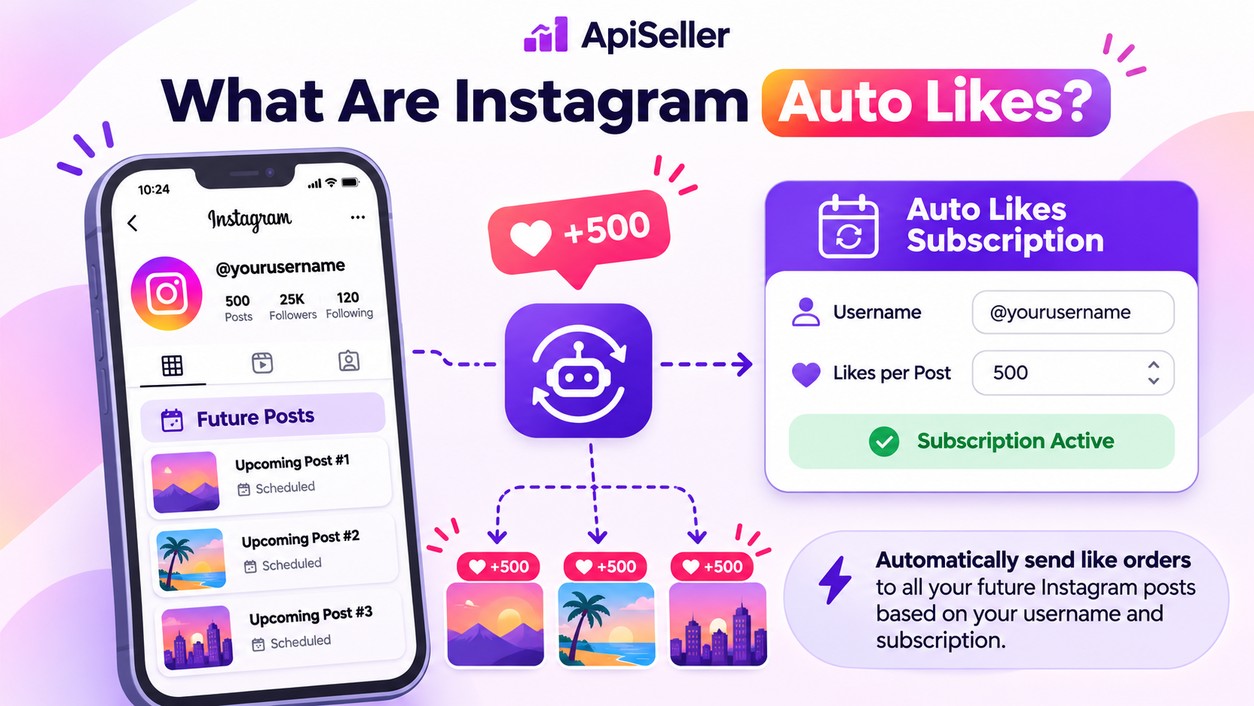
If you regularly publish content on Instagram, you can use an Instagram auto likes subscription to arrange likes for upcoming posts without placing a separate order every time. Instead of submitting a new post URL for each upload, you set up a subscription with your Instagram username, the number of future posts you want covered, and the number of likes to be delivered to each one. The panel then creates orders as new posts are published, following the settings you selected.
ApiSeller offers this type of subscription through its Auto
/ Automatic service categories, including Instagram Auto Likes. Understanding
how the subscription works and what each setting controls will help you
configure your order for your posting schedule.
Instagram auto likes are an SMM panel service that
automatically creates like orders for new posts published on a specified
Instagram account. When you set up a subscription, you provide your username
and define how many future posts should receive likes. You also choose the
quantity range that will apply to each eligible post.
For example, a content creator who plans to publish five new
posts can set up a subscription covering those uploads. Rather than copying
each post URL into the panel after publishing, the creator uses the
subscription settings already associated with the account.
This service should not be confused with an auto-liker app
that uses your Instagram account to like other people's posts. An auto likes
subscription is designed to deliver purchased likes to content published on
your own profile. The types of posts covered depend on the selected service,
and setting up the subscription does not require sharing your Instagram login
password.
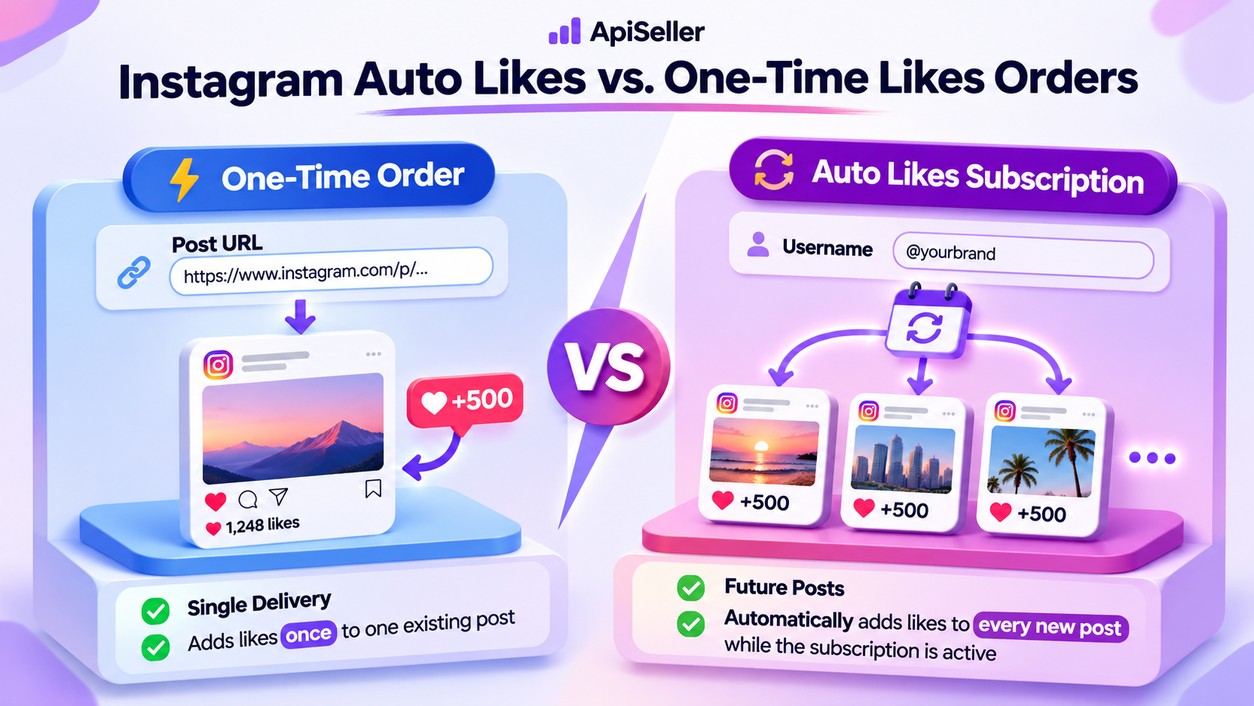
With a standard Instagram likes order, you choose an
existing post, copy its URL, and enter the number of likes you want. That order
applies to the specific post you submitted. If you publish another photo or
video later, you need to create a new order for that content.
An Instagram auto likes subscription works
differently because it is associated with your username rather than a single
post URL. You define the number of future posts and the likes-per-post settings
in advance, allowing the panel to create orders as eligible content appears.
A one-time order makes sense when you want likes for a
particular post that has already been published. If you regularly upload new
content, a subscription lets you prepare those orders ahead of time without
entering each new URL.
Auto likes should also be distinguished from drip-feed
delivery. Drip-feed divides an existing order into smaller deliveries at
selected intervals, whereas a subscription creates new orders when you publish
additional posts. Both involve automation, but they serve different purposes.
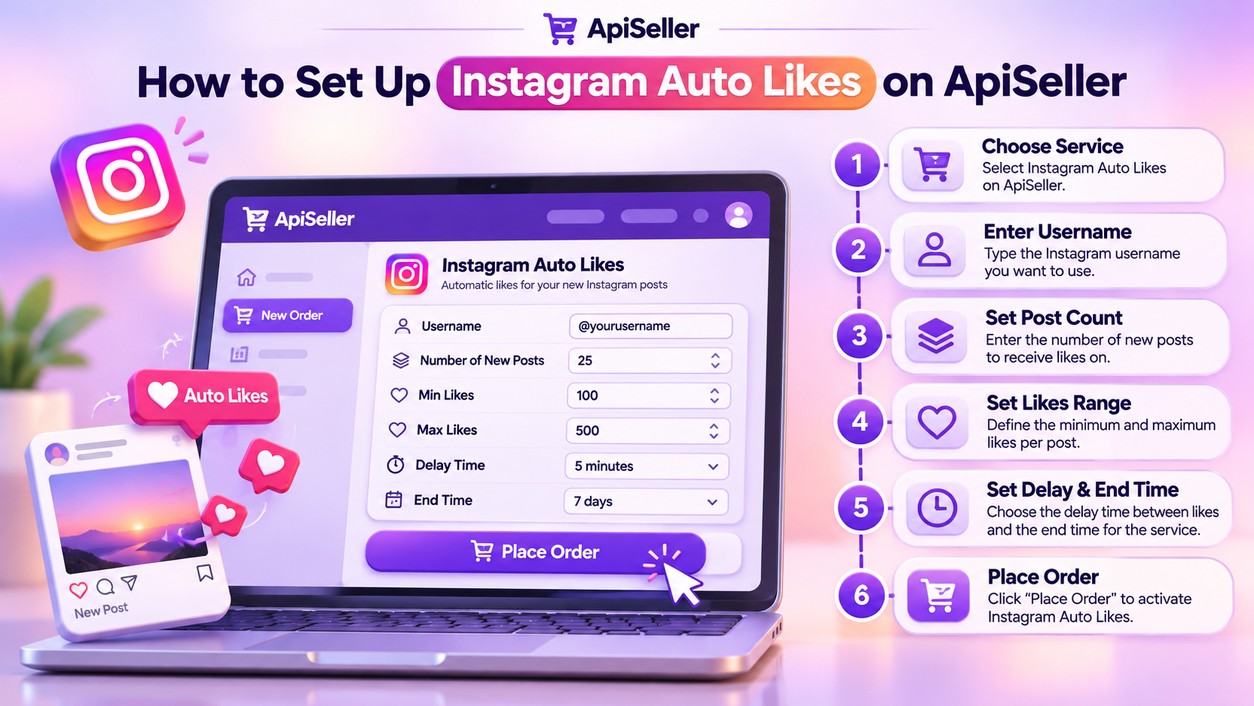
To buy automatic Instagram likes through ApiSeller, sign in to your account and open the New Order page. Look for the relevant service under the Auto / Automatic categories, such as Instagram Auto Likes.
Before configuring the subscription, read the selected
service description to check which post types it supports and what quantity
limits apply. Available settings can differ between services.
Some subscription services also include an optional Old
posts field. This allows previously published posts to be included where
the service supports that feature. If you only want auto likes for new
Instagram posts, leave the old-post setting blank.
Once your order has been submitted, the subscription can
begin creating orders for eligible new posts according to the configuration you
selected.
After creating your subscription, you can monitor it through
the Subscriptions section of ApiSeller. This page is intended for
tracking your automatic subscriptions, while the regular Orders / Order
History section provides information about individual orders.
ApiSeller displays order stages such as Processing, Pending,
In progress, and Completed. When reviewing an automatically created order, its
status tells you about that particular delivery, while the subscription record
relates to the settings covering your future posts.
Keep the original post count and end time in mind as you
monitor your subscription. For example, a subscription configured for five new
posts should not be treated as an unlimited arrangement for every post you
publish afterward. If you want to cover additional uploads, review the
available subscription services and create another order according to your
needs.
Whether an existing subscription can be modified or canceled
depends on the selected service and its current status.
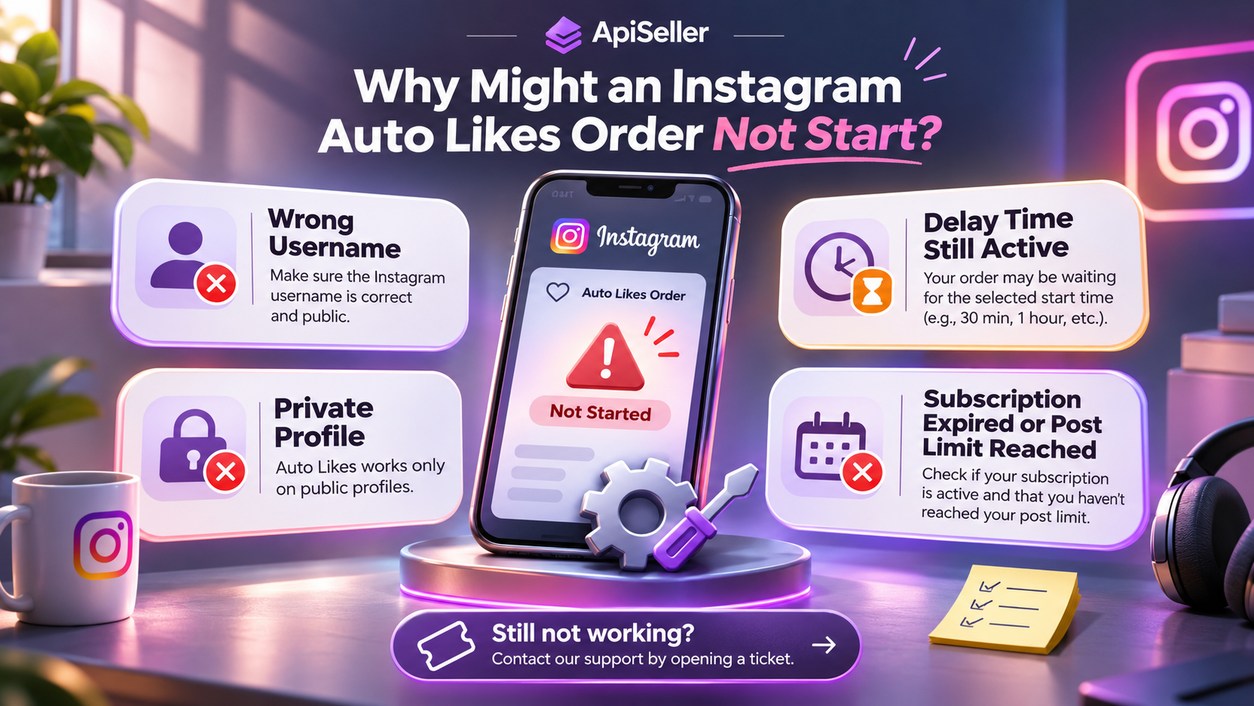
If you publish a new post and no automatic order appears,
begin by checking the Instagram username entered when you created the
subscription. An incorrect username or a later username change may affect which
profile the service identifies.
Your account's visibility and the type of content published
also matter. A service designed for publicly accessible posts may not process
content from a private profile, while a service intended for standard posts may
have different requirements for Reels.
Next, review the Delay time setting. If you selected
a delay after publication, the order is expected to follow that timing rather
than start as soon as the post appears. Check the subscription's remaining post
allowance and end time as well, since an expired subscription or one that has
reached its configured post count will no longer cover additional uploads.
If the account details and subscription settings are correct
but you still need assistance, open a request through ApiSeller's Support /
Ticket section. Include the relevant subscription or order information so
the support team can review your request.
No. ApiSeller does not require your Instagram login password
to create an auto likes subscription. The service uses the Instagram username
entered during setup to identify the account receiving the likes.
An auto likes subscription is associated with the Instagram
account specified during setup. If you manage multiple profiles, you can
configure separate subscriptions using the username of each account.
If no new posts are published, there are no new uploads for
the subscription to create orders for. Any configured end date still applies,
so it makes sense to choose a subscription period that matches your publishing
schedule.
Reels can be included when the selected auto likes service
supports that content type. Check the service description before ordering to
confirm whether it covers Reels, standard feed posts, or both.
Some subscription services include an optional Old posts
setting for content published before the subscription was created. When this
feature is supported, you can configure it to include existing posts alongside
the future-post settings.
If you want to arrange automatic likes for upcoming Instagram posts, you can review ApiSeller's subscription instructions and FAQ before selecting an Instagram Auto Likes service. Check the available fields and service conditions to configure a subscription that fits your posting schedule.