How to Remove Instagram Follow Suggestions?
Instagram is designed to help people discover new accounts, creators, brands, and communities. One of the ways the platform does this is through account recommendations. As you interact with posts, search for profiles, follow users, and engage with different types of content, Instagram can use these activities to suggest accounts that you may want to follow.
While these recommendations can
sometimes introduce you to useful or entertaining profiles, they may also
become distracting. You may see accounts that have little connection to your
interests or suggestions based on people you know. If you prefer a cleaner and
more controlled experience, learning about Removing Instagram follow
suggestions can be useful.
Why Does Instagram Recommend Certain Accounts?
Instagram's recommendation system
is designed to connect users with accounts they may find relevant. The platform
can consider different types of activity when generating suggestions. Your
interactions with posts, searches, followed accounts, and other activity can
all contribute to the recommendations you see.
Connections between accounts may
also influence suggestions. For example, Instagram may show profiles connected
to people you already follow or accounts that appear relevant to your existing
network. Contact synchronization can also play a role when you have allowed
Instagram to access contacts from your device.
The result is a constantly
changing recommendation list. As your activity changes, the accounts presented
to you can change as well. This is why recommendations may sometimes seem
unrelated to your current interests.
How Can You Disable Instagram Follow Suggestion Notifications?
If your main problem is receiving
notifications about recommended accounts, you can adjust Instagram's
notification settings. The exact names or placement of options may vary
depending on the application version and device, but the general process is
straightforward.
Open Instagram and go to your
profile. From there, open the menu in the upper-right corner and enter the
settings area. Look for the notifications section and find the category related
to followers and following.
Within this area, Instagram may
provide controls for account recommendations and other follower-related
notifications. Turning off recommendation notifications can prevent your phone
from repeatedly alerting you about accounts Instagram thinks you might want to
follow.
It is important to understand
that changing notification preferences does not necessarily remove every
recommendation from Instagram. You may still encounter suggested accounts while
browsing different sections of the platform.
How Can You Remove Individual Account Suggestions?
You do not always have to disable
every recommendation. If only certain accounts are irrelevant to you, Instagram
may provide ways to dismiss individual suggestions.
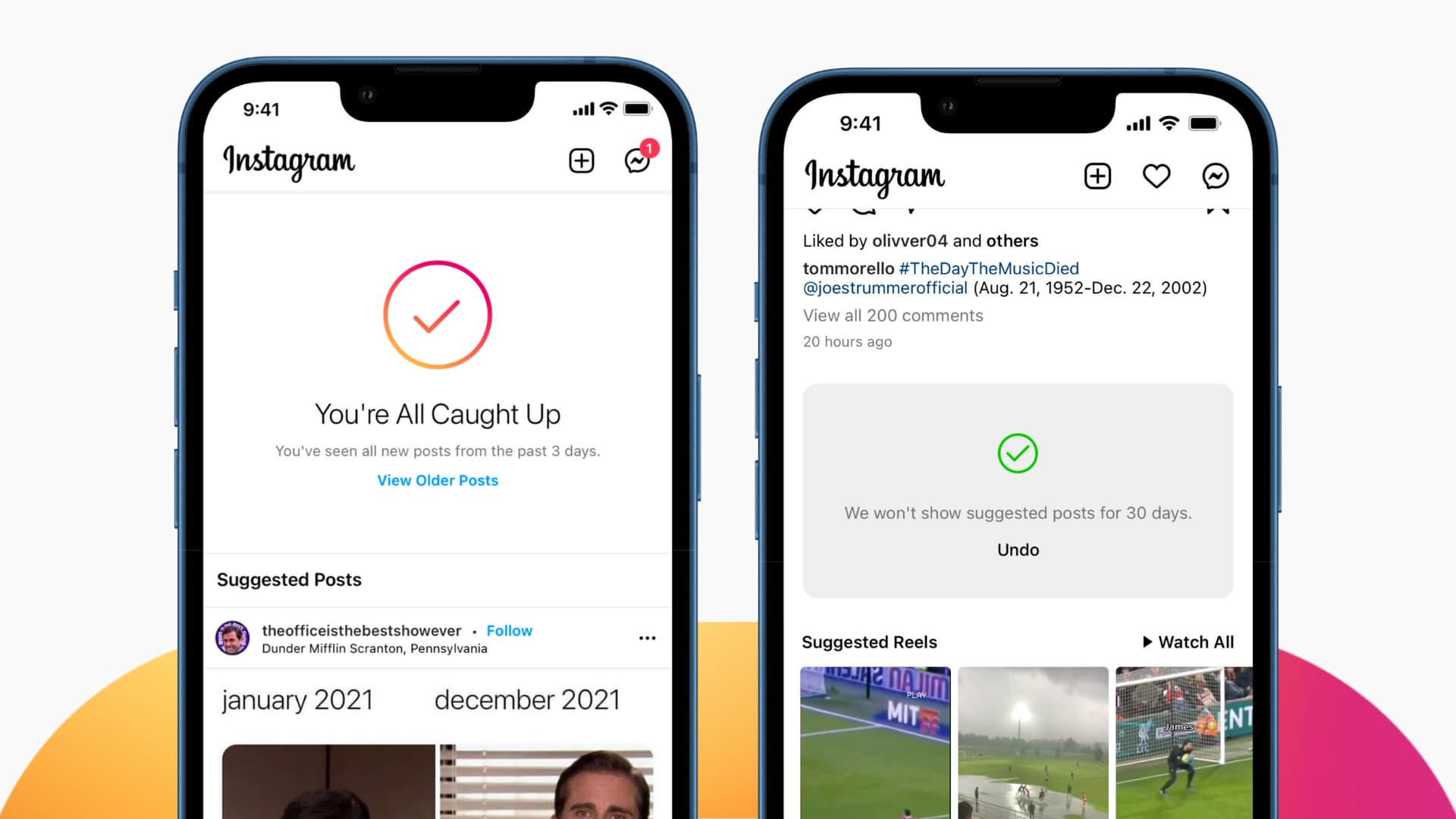
When you encounter a recommended
profile, look for the available menu or dismissal option next to the
suggestion. Depending on the interface and the location where the
recommendation appears, you may see an option such as “Not interested.”
Selecting this option tells
Instagram that you do not want to engage with that particular recommendation.
It can be useful when you want to clean up your suggestions without changing
all of your account settings.
For users searching for Removing Instagram follow suggestions, this approach is particularly practical because it allows you to deal with unwanted recommendations one at a time.
What Should You Check When Managing Recommendations?
Before changing several settings,
it helps to identify where unwanted recommendations are appearing. Instagram
can display suggested accounts in different areas, so the appropriate solution
depends on what you are trying to control.
Some of the most common places to
check include:
- Notifications about recommended accounts
- Suggested profiles within your Instagram feed
- Account recommendations connected to profiles you
already follow
- Suggestions influenced by synchronized contacts
- Recommendations displayed while discovering new
accounts
Reviewing these areas can help
you determine whether you need to change notification preferences, dismiss
individual accounts, or manage contact-related settings.
How Can You Stop Contact-Based Account Suggestions?
Contact synchronization is
another setting worth checking if Instagram frequently recommends people you
know from your phone's address book.
If you previously allowed
Instagram to upload or synchronize your contacts, those connections may contribute
to account discovery and recommendations. You can review this setting through
Instagram's account and privacy controls.
Open your profile and access the
main menu. From there, enter the Accounts Center or the relevant privacy and
permissions section. Look for the option related to uploading or synchronizing
contacts. If contact syncing is enabled, you can turn it off.
Keep in mind that disabling
contact synchronization does not necessarily erase every recommendation
immediately. Previously synchronized information may require additional
management, and recommendations can also come from other signals.
Therefore, Removing
Instagram follow suggestions may require more than changing a single
setting.
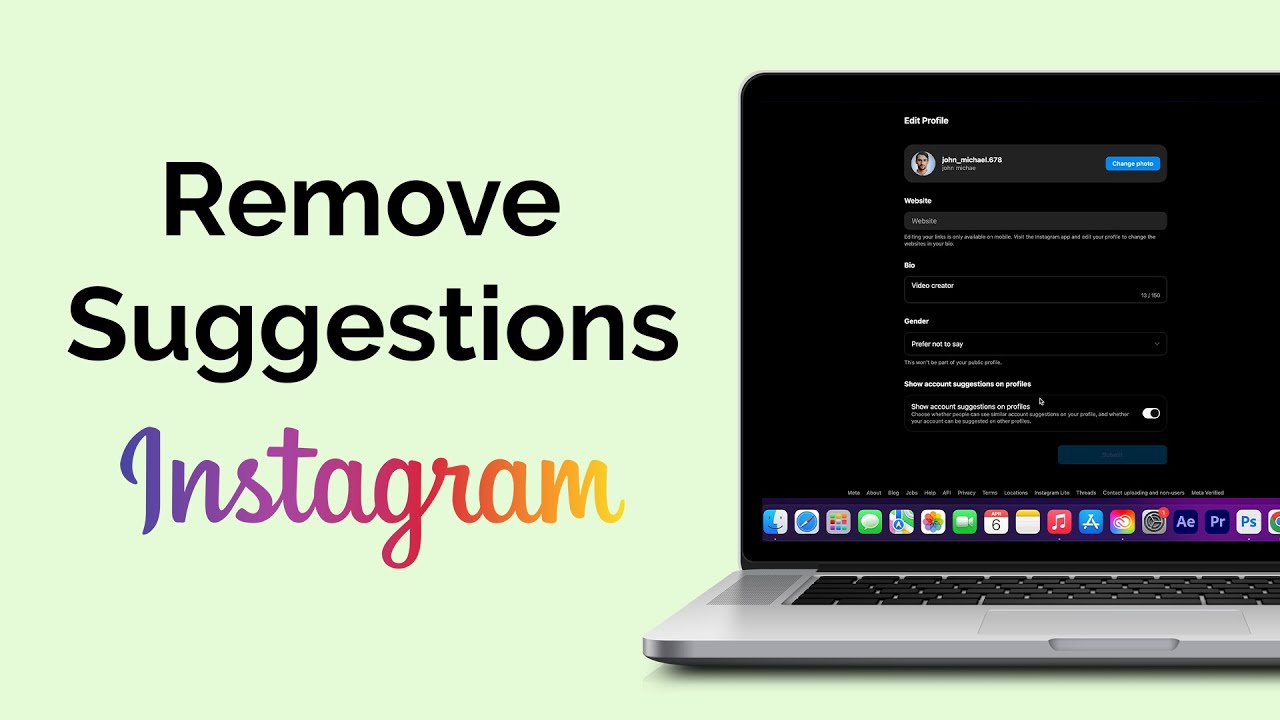
Can You Turn Off Suggested Accounts on Instagram Web?
Instagram can also be accessed
through a desktop browser, and some recommendation-related controls are
available through the web interface.
After signing into Instagram from
your browser, open your profile and access the settings area. Depending on
Instagram's current interface, you may find account recommendation controls
connected to profile visibility or suggested accounts.
One important distinction is that
Instagram's web and mobile interfaces do not always display the same settings
in the same location. If you cannot find an option described in an older guide,
check the current settings categories rather than assuming the feature has been
removed.
Instagram regularly updates its
interface, which means the names, positions, and availability of certain controls
can change over time.
Does Turning Off Suggestions Remove Every Recommendation?
No single setting should
necessarily be expected to eliminate every suggested account across Instagram.
Recommendations can appear in different parts of the platform and may be
generated using different signals.
Turning off recommendation
notifications, for example, mainly affects alerts rather than every suggestion
you encounter while browsing. Likewise, disabling contact synchronization
addresses one potential source of recommendations but does not control every
recommendation generated by Instagram.
This distinction is important for
anyone researching Removing Instagram follow suggestions because
the goal may be to reduce notifications, hide specific profiles, or limit recommendations
based on contacts. Each situation may require a different setting.
How Can You Get More Control Over Instagram Recommendations?
The most effective approach is to
combine the available controls with your normal Instagram activity. When an irrelevant
account appears, use the available dismissal or “Not interested” option instead
of interacting with the profile.
You can also review which accounts you follow and consider whether your current activity reflects the content you actually want to see. Avoiding unnecessary interactions with irrelevant content may also help keep your recommendations closer to your interests over time.
If contact-based recommendations
are the main concern, review your contact synchronization settings as well. For
notification-related problems, adjust the relevant notification preferences
separately.
Ultimately Removing
Instagram follow suggestions is less about one universal switch and
more about managing the different recommendation channels Instagram provides.
Instagram's recommendation system
is intended to help users discover accounts, but not every suggestion will be
useful to everyone. By reviewing notification settings, dismissing unwanted
profiles, and checking contact synchronization, you can gain greater control over
how account recommendations appear. Because Instagram frequently changes its
interface and settings, the exact steps may vary between app versions,
operating systems, and the web platform. Checking your current settings is
therefore the best way to identify which recommendation controls are available
on your account.