
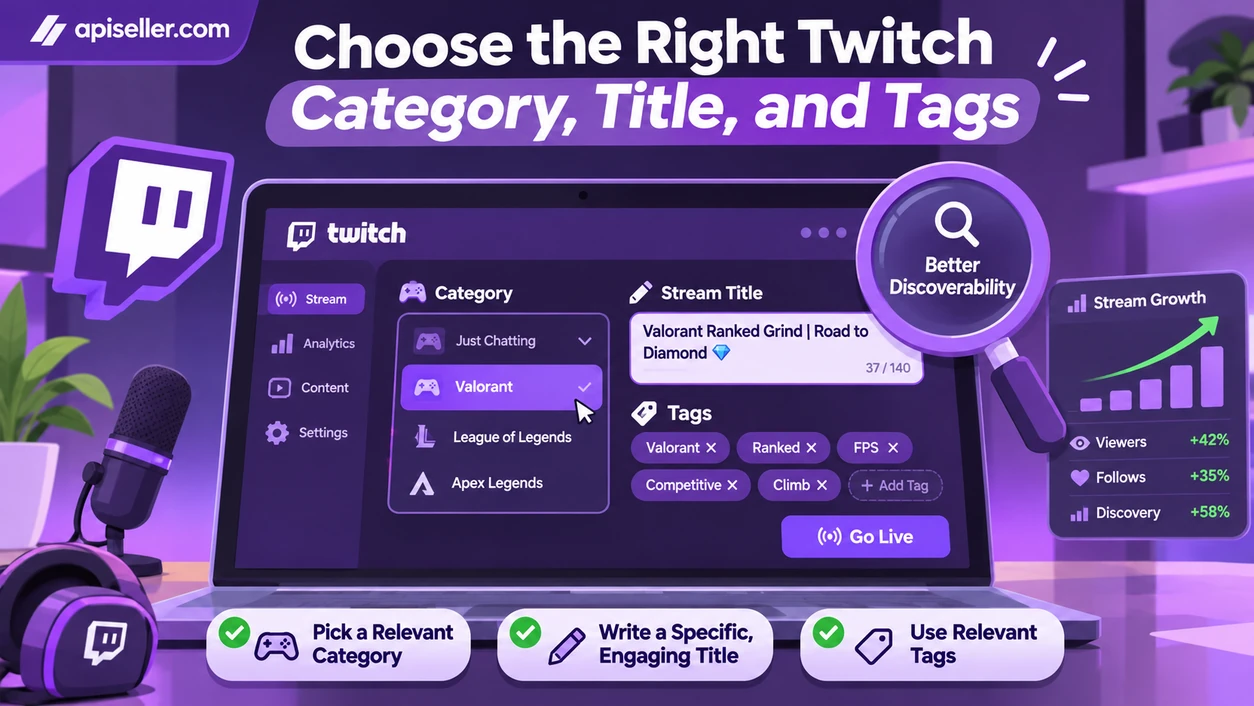
If you want more viewers on Twitch, streaming for longer hours is rarely the best place to start. People first need to find your channel, understand what you're streaming, and have a reason to keep watching. Choosing a suitable category, writing a specific stream title, and sharing content between broadcasts all improve your chances of being discovered. Once people arrive, pay attention to whether they keep watching and come back for future streams. Your schedule and channel analytics can tell you more about that than the live viewer counter alone.
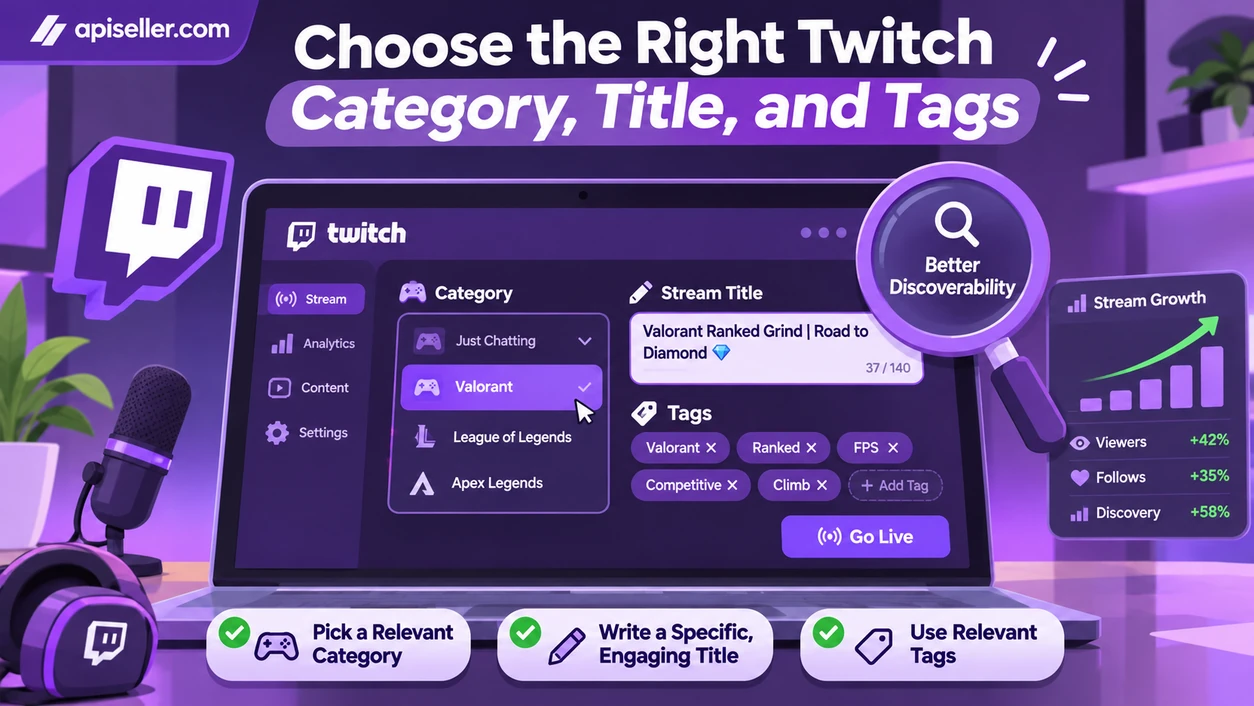
Your category, title, and tags tell potential viewers what
to expect before they open your stream. Keep them accurate and specific to the
content you're actually broadcasting.
A game with a large audience can still be difficult for a
smaller channel to break into when dozens of established streamers are live at
the same time. Compare the total audience with the number of active channels
instead of looking only at viewer numbers. Twitch's Research area includes Time
to Stream data that can help you explore activity across categories and time
slots. If you switch from gameplay to a talk stream, update your category so
the listing reflects what you're actually streaming.
A title such as 'We're live, come hang out' gives newcomers
little reason to click. 'Valorant ranked matches using pistols only' tells them
exactly what you're attempting. Use tags that match your stream's language and
format, rather than adding popular tags that have nothing to do with your
content. Visitors who arrive expecting something else may leave quickly.
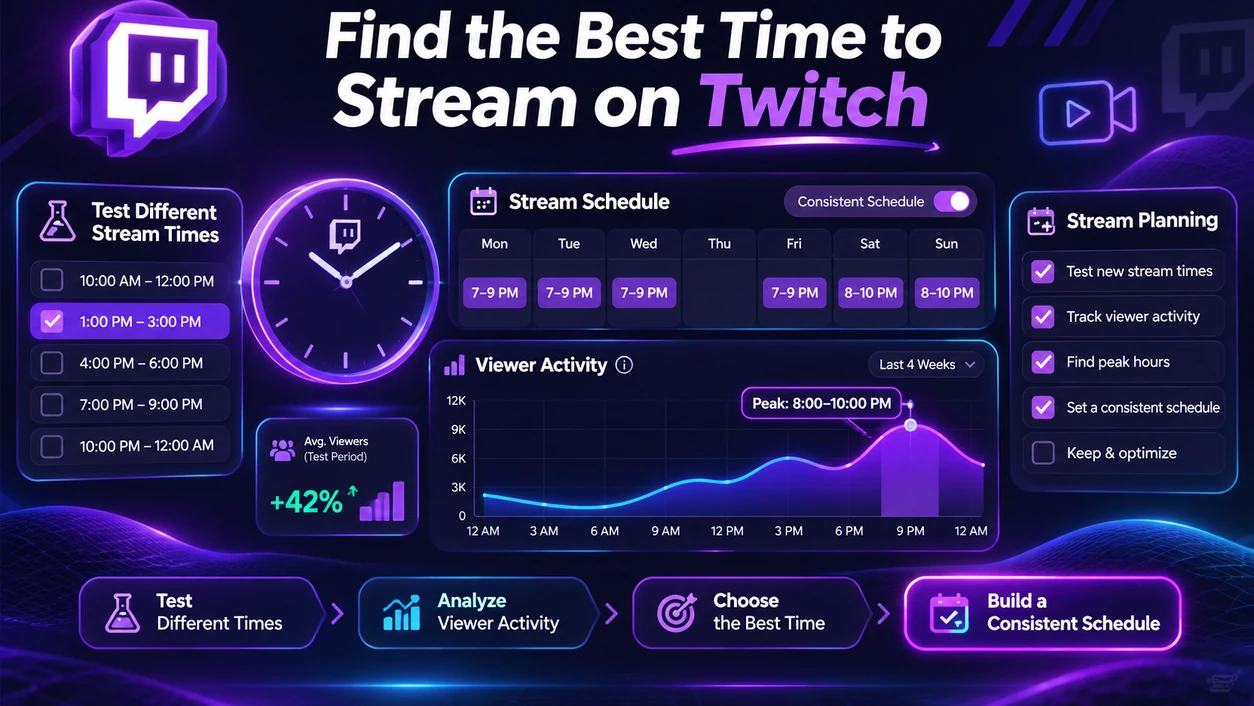
There isn't one ideal streaming hour for every channel. Your
audience's time zones, when viewers have joined previous broadcasts, and the
competition in your category can all affect the results. Compare category
activity in Twitch Research with the performance of your own streams. For
example, try different start times on the same days over a two-week period,
then compare average concurrent viewers rather than relying on a single peak.
Once you've found a schedule you can maintain, add it to the
Stream Schedule section of your Twitch channel. Keeping those times updated
makes it easier for followers and people who discover you through clips to know
when to come back.
Someone arriving halfway through a broadcast should be able
to understand what's happening without watching from the beginning. Long
waiting screens, unexplained objectives, and audio problems can make an
otherwise interesting stream difficult to follow.
Start by telling viewers which game you're playing or what
you plan to discuss. If you're attempting a particular challenge, explain what
makes it difficult so the audience can follow your decisions. Brief updates
during longer sessions also help newcomers catch up without forcing regular
viewers to listen to the same introduction repeatedly.
Don't wait for a chat message before speaking. Explain why
you made a move in a game or introduce the next topic in a conversation stream,
while leaving room for people who prefer to watch silently. Before going live,
make a short test recording to check that your microphone isn't drowned out by
game audio and that the video runs smoothly. Clear sound matters more to
viewers than elaborate overlays.
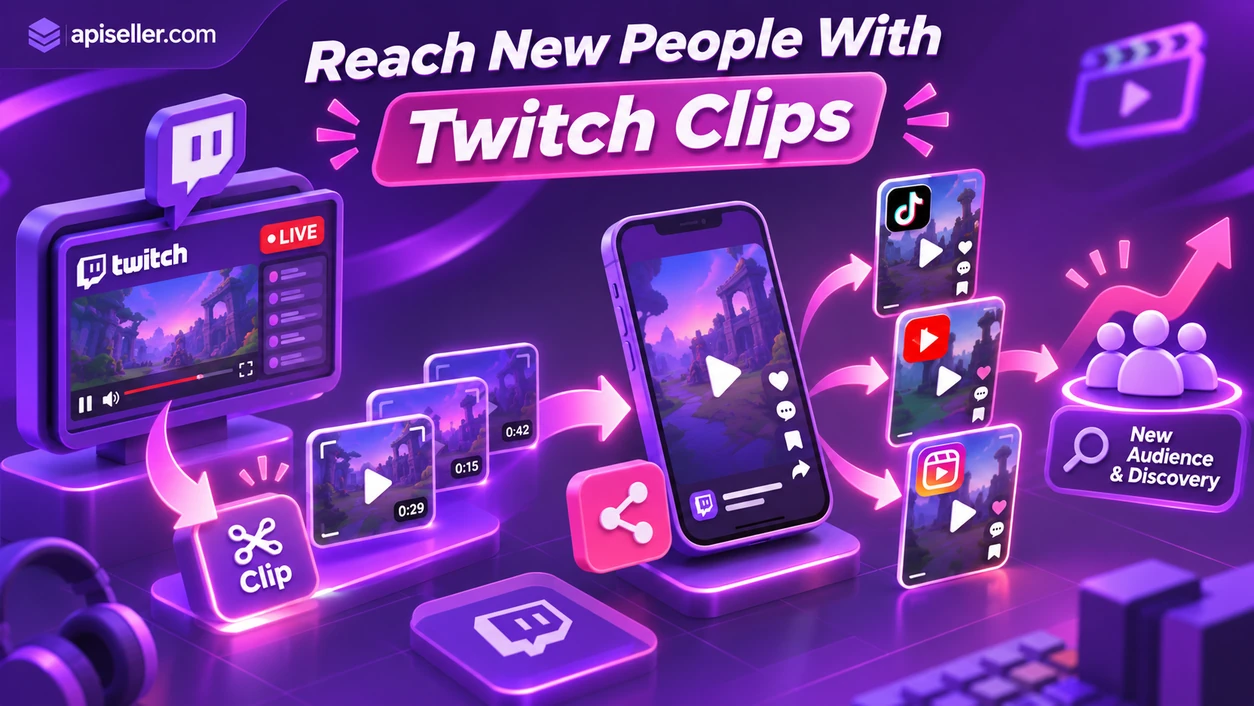
A short highlight can introduce your channel to someone who
has never seen one of your livestreams. Cut an unexpected gaming moment or a
useful explanation into a clip that makes sense on its own, then share it on
YouTube Shorts, Instagram Reels, or TikTok. Remove lengthy silences, check that
the important action remains visible in the vertical frame, and include your
Twitch channel name or streaming schedule in the post.
With Twitch's Featured Clips, you can highlight clips that
Twitch may prioritize in its discovery areas and compare how those clips
perform. Stream Recaps, introduced in October 2026, lets you assemble clips
from a broadcast into a recap that followers can find in the mobile feed and
visitors can watch on your channel page. Neither feature guarantees an increase
in viewers, so review which clips actually attract attention before making more
of the same.
A Twitch Raid sends your audience to another live channel
when you finish streaming, giving both communities a chance to meet. Choose
creators whose content is relevant to your viewers instead of treating Raids as
an exchange of viewer counts. If you're planning a joint broadcast, give people
something to watch together: a shared match, a Q&A session, or a
conversation about a specific topic. Announce the activity ahead of time so
both audiences know why they should tune in.
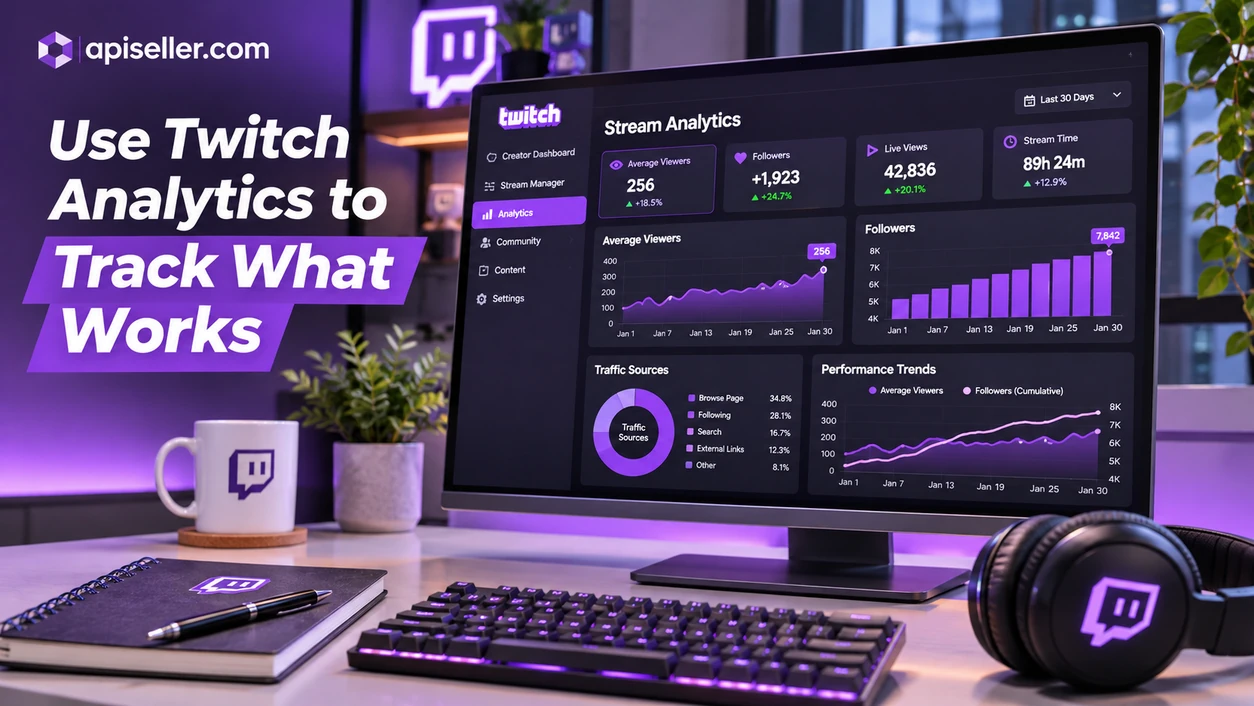
Your highest viewer count shows a peak, not the number of
people who stayed throughout a stream. Compare average concurrent viewers with
new followers, stream duration, and previous broadcasts to understand whether
the channel is improving. The list of accounts connected to chat isn't the same
as the live viewer count; a chat-only bot may not be counted as a viewer.
In Discovery Analytics, check whether people found you
through Twitch features or links from other platforms. When testing a new
category, start time, or content format, change one thing at a time and compare
several streams. Track visitors from shared clips separately so a brief spike
in traffic doesn't get mistaken for a steady audience.
Streaming for extra hours without reviewing the results,
copying another creator's titles, and confusing followers with live viewers can
all hide what your audience actually responds to. Buying bot traffic or joining
coordinated schemes to inflate viewer numbers also violates Twitch's rules on
fake engagement. Legitimate promotion aimed at reaching interested people is
different from a service that artificially raises the counter on your stream.
Check how any outside service works before placing an order.
Yes. It can take time for a new channel to be discovered.
Accurate categories and clips shared beyond Twitch can give people more ways to
find your broadcasts.
There's no required daily streaming length. Choose hours you
can sustain, then compare the average viewership of shorter and longer
broadcasts.
Not necessarily. Followers don't all watch at the same time,
so track average concurrent viewers as well as your follower total.
People may leave, your stream topic may change, or a
connection issue may interrupt viewing. Twitch's viewer counter can also take
several minutes to update.
Yes. Twitch prohibits artificial inflation of viewer and
follower statistics. Review how a service operates and check Twitch's rules
before purchasing anything.
Start with one improvement to your stream and measure the results over several broadcasts. If you're also comparing external services, review the current descriptions for Twitch live viewers, followers, and stream views on ApiSeller. The platform advertises multiple payment methods, automated order processing, order tracking, and guest checkout where available. Read the conditions of each individual service and consider Twitch's rules before placing an order. Visit ApiSeller to review the latest catalog.