How to Download TikTok Data?
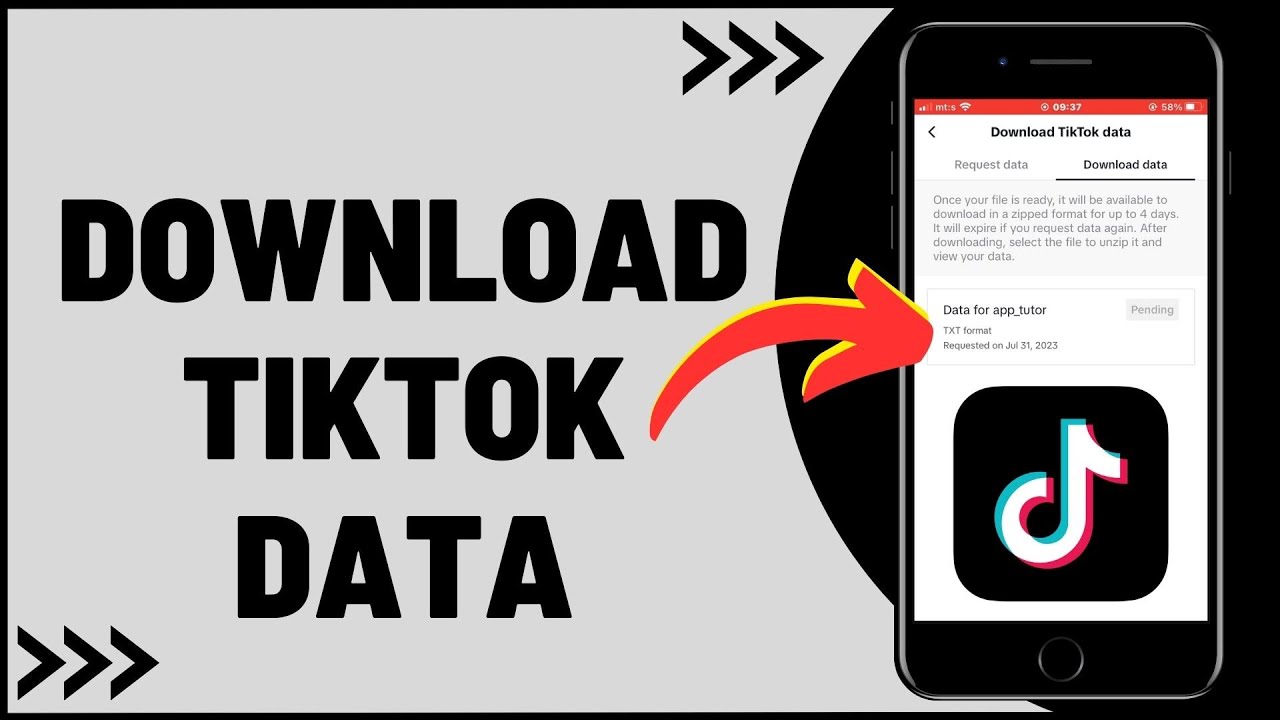
If you have been using TikTok for a long time, your account may contain more than just the videos you have posted. Your profile details, viewing activity, comment history, and other account-related information can accumulate as you continue using the platform. TikTok allows users to request a copy of certain personal data associated with their accounts.
The TikTok data download
feature makes it possible to request an archive of available account
information without manually collecting individual details. However, the
process does not instantly save every video, draft, or interaction to your
phone. You must first submit a data request, wait for TikTok to prepare the
file, and then download it when it becomes available.
What Information Can You Get From TikTok Data?
The information included in your
downloaded archive depends on your account activity, the available data
categories, and the options offered when you submit your request. The file may
contain different types of information associated with your use of TikTok.
Depending on availability, the
archive can include details such as your username, profile information, viewing
history, comment history, and privacy settings. Some account activity records
may also be included.
However, it is important to
understand that this feature is not a complete backup of your TikTok account.
Downloading your data does not necessarily save all your published videos,
private drafts, messages, or other content in a single folder. Some information
may not be available for download, and recently generated activity might not
appear in the file immediately.
If you want to preserve your
original videos, you should save them separately rather than relying entirely
on a data archive.
How Do You Request Your TikTok Data?
Before downloading your
information, you need to ask TikTok to prepare a file. This request can be
submitted directly through the mobile app's account settings.
Follow these steps to get
started:
- Open the TikTok app on your phone.
- Tap Profile in the bottom navigation bar.
- Select the menu icon in the upper-right corner.
- Open Settings and privacy.
- Tap Account.
- Find and select Download your data.
- Review the available data categories and file
format options.
- Tap the option to request your data and submit the
request.
The exact wording or placement of
these options may vary depending on your app version, device, and region. If
you cannot find the relevant setting, check whether TikTok has updated its
interface.
Once your request has been
submitted, TikTok begins preparing the archive. You do not normally need to
keep the app open while this process takes place.
Which File Format Should You Choose?
During the request process,
TikTok may offer different formats for your downloadable information. The
available options can depend on the current interface and the type of data
being requested.
A text-based format, such as TXT,
can be convenient if you want to read your information using a basic text
editor. A structured format, such as JSON, may be more suitable if you intend
to examine the data using technical tools or process it programmatically.
Before choosing a format,
consider how you plan to use the file. If you simply want to review your
account activity, a readable format may be easier to work with. If you need
structured information for analysis, another available format might be more
appropriate.
The TikTok data download
process only creates a copy of eligible information. Requesting the archive
does not delete your account, remove your videos, or automatically change your
privacy settings. You can generally continue using TikTok while your request is
being processed.
How Do You Download Your TikTok Data File?
After submitting your request,
you must wait until TikTok finishes preparing the archive. The download option
may not appear immediately, so there is no need to assume something has gone
wrong if your file is not ready right away.
When the file becomes available,
return to the same section of your account settings.
Follow these steps:
- Open TikTok and go to your profile.
- Tap the menu icon.
- Select Settings and privacy.
- Open the Account section.
- Choose Download your data.
- Check the status of your existing request.
- If the file is ready, select the download option.
- Complete any account verification steps if
requested.
TikTok may require you to verify
your identity before allowing access to your personal information. This is an
important security measure designed to help prevent unauthorized access to
account data.
Once downloaded, the archive may be saved to your device's default download location. You can open it using a compatible application, depending on the file format you selected.
How Long Does TikTok Take to Prepare Your Data?
Preparing an archive is not
necessarily an instant process. TikTok may need several days to collect and
organize the available information associated with your account.
The time required can vary
depending on the request and the amount of data involved. An account with years
of activity may have a different archive size from a recently created profile.
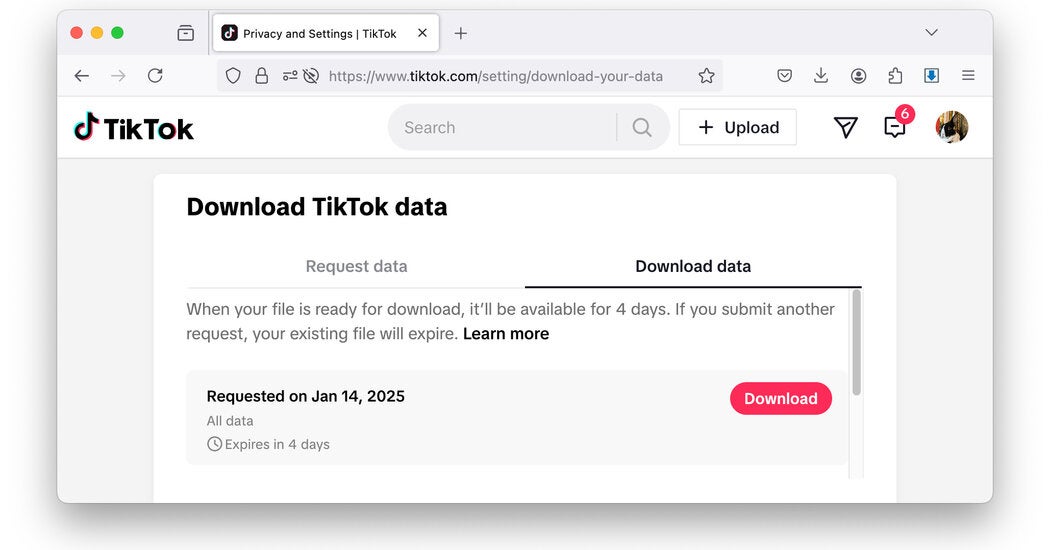
You can revisit the Download your
data section to check the status of your request. If the file is still being
prepared, allow additional time rather than repeatedly submitting new requests.
Once your archive is ready, pay
attention to the download deadline displayed by TikTok. Download links are not
necessarily available indefinitely. If the availability period expires before
you save the file, you may need to submit another request.
Checking your account settings periodically after making a request can help you avoid missing the download window.

Why Is Some Information Missing From Your TikTok Archive?
After downloading your file, you
may notice that certain activities or details are not included. This does not
automatically mean that your request failed.
There are several possible
explanations:
- Some types of information may not be included in
the downloadable archive.
- Recently generated activity may not yet appear in
the prepared file.
- Certain information may be unavailable because of
technical or retention limitations.
- Data involving other users' privacy may not be
provided in the same way as your own account information.
- The archive may contain only the categories
supported by the available download options.
If you cannot find a recent
activity record, consider waiting before requesting a new archive. Information
generated shortly before your request may not have been included in the initial
preparation process.
You should also remember that the
data file is intended to provide a copy of eligible account information, not
necessarily a complete record of every action you have ever performed on
TikTok.
Is TikTok Data Download Safe to Use?
Requesting your own account
information through TikTok's official settings is the recommended approach.
Because the archive may contain personal details and activity records, you
should treat the downloaded file as sensitive information.
Avoid uploading the archive to
unfamiliar websites or sharing it with people you do not trust. If you store it
on a computer or mobile device, consider using appropriate security measures to
protect access to the file.
If you no longer need the
archive, you can delete the downloaded copy from your device. Doing so removes
that local copy but does not necessarily affect the information TikTok retains
within its systems.
The TikTok data download feature is useful for people who want greater visibility into their account information. Nevertheless, downloading a file should not be confused with deleting data from TikTok's servers or closing an account.
Can You Use TikTok Data Download to Back Up Your Entire Account?
Not entirely. The feature focuses
on providing a downloadable copy of supported account information rather than
creating a complete backup of every item associated with your profile.
If you want to preserve your
published videos, save them separately using the options available in TikTok.
Private drafts may also require separate attention because they are not
necessarily included in your account data archive.
For the best results, consider
your goals before submitting a request. If you want to review viewing activity
or account details, a data archive may be sufficient. If you want to preserve
creative work, make sure your original videos and other important files are
saved independently.
TikTok data download gives
you a convenient way to request and access available information associated
with your account. By submitting your request through the official settings,
monitoring its status, and downloading the archive before it expires, you can
keep a useful personal copy of your TikTok data while maintaining control over
how that information is stored.