How to Completely Clear Instagram Search Suggestions?

Instagram users often find that the search suggestions appearing in the search bar can sometimes be annoying or irrelevant. Whether it’s the same accounts showing up repeatedly or content you don’t want to see popping up, managing your search suggestions can improve your overall experience. Luckily, you can completely clear Instagram search suggestions and prevent unwanted accounts from appearing in the future.
Why Do Instagram Search Suggestions Appear?
Instagram offers search suggestions to help users find
accounts or content faster based on their previous searches and interactions.
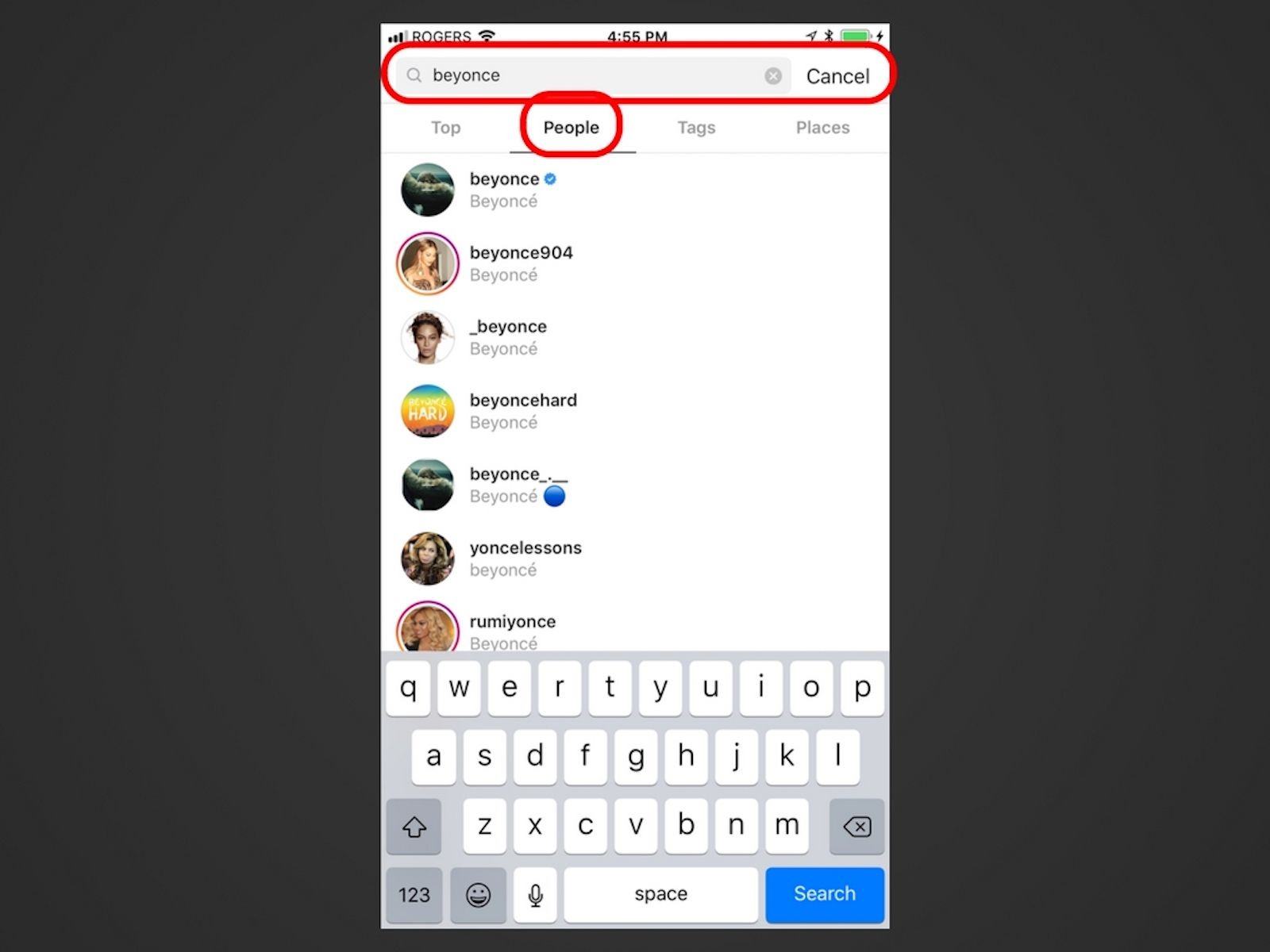
When you tap on the search icon and type a letter or keyword, Instagram
automatically suggests accounts or hashtags that might be relevant to you.
However, sometimes these suggestions are based on old searches or accounts you
no longer want to see. This is why removing Instagram search suggestions
can be essential to keep your feed and search results tailored to your
preferences.
How to Remove Individual Instagram Search Suggestions
The easiest way to remove unwanted search suggestions is to
delete them one by one directly from the search interface. Here’s how to do it:
- Open
the Instagram app.
- Tap
the search icon (magnifying glass) at the bottom of the screen.
- You
will see a list of suggested accounts or recent searches.
- Find
the suggestion you want to remove and tap the X next to it.
- Confirm
by selecting “Remove” or “Delete.”
Once you do this, that particular suggestion won’t appear again in your search results. Repeat the process for any other suggestions you want to clear. This method is quick and effective if you only want to remove a few specific accounts.

Clearing All Instagram Search Suggestions at Once
If you want to start fresh and delete your entire search
history and all suggestions, Instagram allows you to clear your search data in
bulk. This option deletes all previously stored searches, so old suggestions
won’t appear anymore. Follow these steps:
- Go
to your Instagram profile by tapping your profile picture.
- Tap
the three horizontal lines (menu) in the top right corner.
- Select
“Settings.”
- Navigate
to “Privacy” and then to “Search History” or directly to “Security.”
- Tap
on “Clear Search History” or “Clear All Searches.”
- Confirm
your choice.
By doing this, your entire search history is wiped clean.
Your search suggestions will be reset, but keep in mind that new searches will
create new suggestions over time.
How to Change Instagram Search Suggestions
Sometimes, instead of deleting all suggestions, you may want
to change Instagram search suggestions to better suit your interests.
Here are some tips to customize what appears in your search results:
- Block
unwanted accounts: If certain accounts repeatedly appear and bother
you, blocking them will prevent them from showing up in your searches and
feed.
- Remove
suggestions individually: Continuously removing unwanted suggestions
helps train Instagram’s algorithm.
- Follow
new accounts: Engaging with new profiles and interests will diversify
your search suggestions, making them more relevant.
- Avoid
interacting with unwanted content: The less you interact with certain
accounts, the less likely they’ll appear in your search.
By combining these strategies, you can guide Instagram’s
recommendation system toward more suitable and enjoyable suggestions.
Resetting Instagram Search Suggestions by Clearing App Data
If you find that manual removal or clearing search history doesn’t fully reset your search suggestions, the most thorough method is to clear the app data or reinstall Instagram. This deletes all temporary files, cached data, and search history on your device, giving you a clean slate.
For Android Users:
- Open
your phone’s Settings.
- Navigate
to “Apps” or “Application Manager.”
- Find
and select Instagram.
- Tap
“Storage.”
- Choose
“Clear Data” and “Clear Cache.”
- Open
Instagram and log back into your account.
For iPhone Users:
Since iOS doesn’t allow clearing app data separately, you
will need to uninstall and reinstall the app:
- Delete
Instagram from your device.
- Go
to the App Store and download Instagram again.
- Log
into your account.
- Check
that your search suggestions have been reset.
This approach is highly effective but requires you to re-enter your login credentials.
How to Manage Instagram Search Suggestions Effectively
Managing your Instagram search suggestions can greatly
improve your experience on the app. Whether you want to clear Instagram
search suggestions one by one, remove Instagram search suggestions
in bulk, or change Instagram search suggestions to be more relevant, the
methods outlined above provide clear and practical solutions.
Remember that Instagram’s search suggestions are tied to
your past searches and interactions. Keeping your search history clean and
controlling which accounts appear through blocking or removing helps Instagram
tailor suggestions just for you.
By taking control of your search suggestions, you ensure
that your Instagram experience is more personalized, relevant, and free from
unwanted recommendations.