How to Add Music to Your Instagram Profile

Instagram keeps introducing new features to help users better express themselves, and one of the most fun and creative ones is the option to add music directly to your profile. Whether it’s a trending hit, a throwback favorite, or a song that speaks to your personality, having music on your profile adds depth and flair to your online presence.
Why Music Matters on Your Instagram Profile
Your Instagram profile is your personal space—your digital identity. While photos, bios, and highlights tell part of your story, music adds a unique emotional layer. Think of it as a soundtrack for your online self. It sets a tone and gives visitors an immediate sense of who you are or what you’re feeling.
Adding a track is also a creative way to personalize your page and increase engagement, especially if the song resonates with your followers.
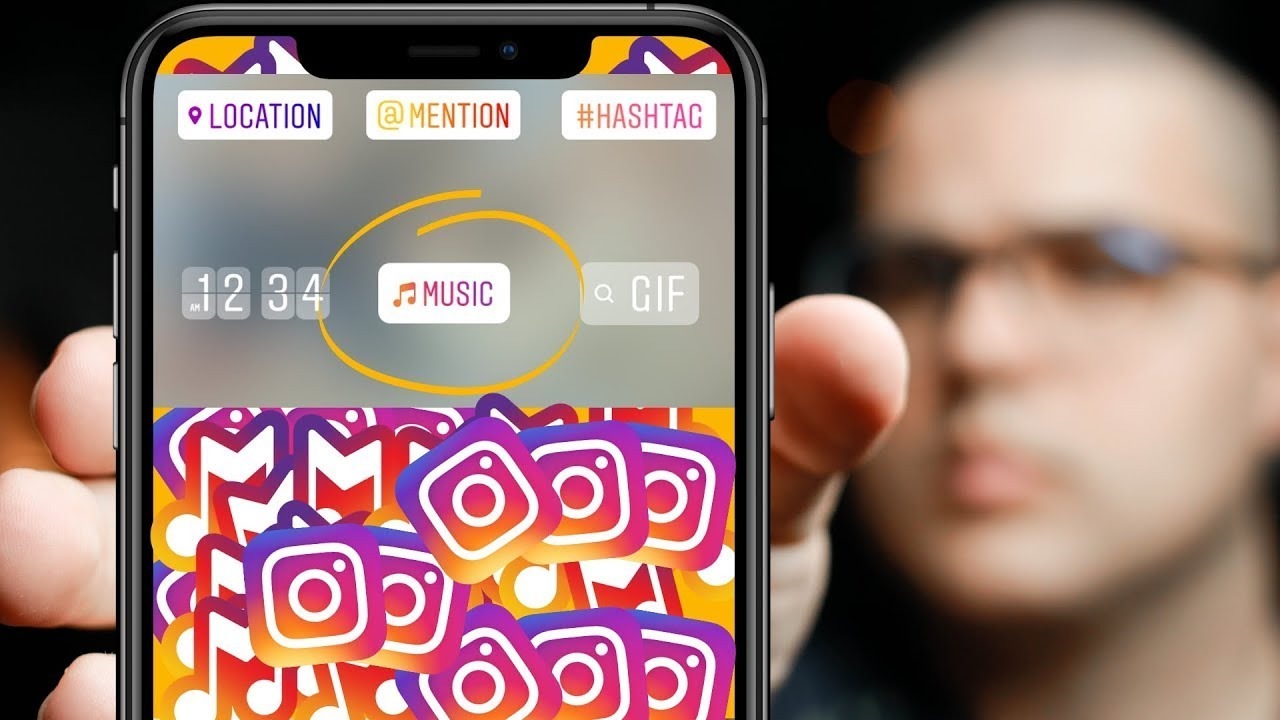
How to Add a Song to Your Instagram Profile (Step-by-Step)
If you've been trying to figure out where the music option is and just can't find it, don't worry—you’re not the only one. The process can be a little hidden, especially if you're not familiar with the latest updates. Here's a step-by-step breakdown:
1. Open the Instagram App
First, make sure you have the latest version of Instagram installed. Open the app and log in to your account.
2. Go to Your Profile Page
Tap on the profile icon in the bottom right corner to go to your personal Instagram page.
3. Tap “Edit Profile”
Under your bio and profile picture, you'll see the “Edit Profile” button. Tap it to access the editable sections of your profile.
4. Look for the Music Section
Scroll down in the “Edit Profile” section until you see the “Music” option. This is where you can search for and select your favorite song.
5. Search for a Song
Tap the music option and you’ll be taken to Instagram’s music library. Use the search bar to find a specific track or explore recommended and trending songs.
6. Choose the Segment
Once you've selected a song, choose the portion (usually 30 seconds) that will be played on your profile. You can use the slider to find the best part of the track.
7. Add a Caption (Optional)
If you want to personalize it further, you can add a short caption or message alongside the song.
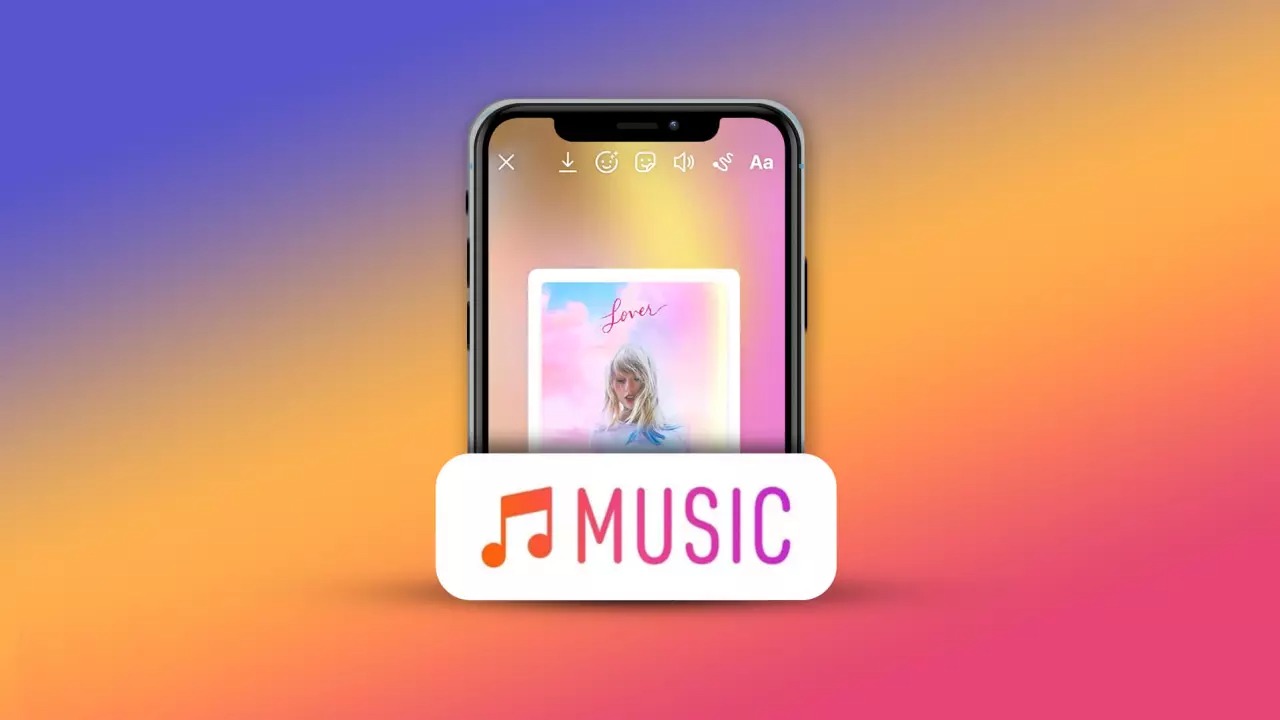
8. Save the Changes
Tap “Done” or “Save” in the top right corner. The song will now appear on your profile beneath your bio.
And that’s it! You've successfully completed the process of Instagram profile music adding.
About Instagram’s Music Library
One of the best parts about this feature is that Instagram provides a vast and constantly updated music library. There's no need to download songs or upload MP3s—everything is hosted inside the app. From international pop hits to lesser-known indie tracks, the choices are broad and inclusive.
This integrated music feature saves you from having to rely on third-party apps or music files stored on your device. Everything is seamless, fast, and user-friendly.
Can You Use Spotify or Apple Music?
Although Instagram supports music sharing from apps like Spotify to stories, you currently can’t set a Spotify song as your official profile track. The music used for profile songs comes from Instagram’s own licensed music library.
Still, many popular songs from Spotify or Apple Music are also available on Instagram's platform. So chances are, you’ll still find what you're looking for.
How to Add Music to Instagram Stories and Posts
Adding music to your profile is just one piece of the puzzle. You can also add tracks to stories and posts to further engage your audience.
For Instagram Stories:
- Tap the "+" icon at the top and select "Story."
- Record or upload a photo/video.
- Tap the sticker icon (the smiley face).
- Choose the “Music” sticker.
- Select a song and customize how the lyrics or artwork will appear.
- Tap “Done” and then “Share.”
For Instagram Posts:
- Tap the "+" icon and choose “Post.”
- Upload a photo or video.
- In the final editing screen, tap “Add Music.”
- Select your desired song and adjust the playback portion.
- Tap “Done” and post.
These steps help your content feel dynamic, emotional, and memorable.
Turn On Instagram Dark Mode for Better Experience
Though not directly related to music, enabling Instagram’s dark mode can make browsing more comfortable, especially at night.
- On iOS: Go to your device’s settings > Display & Brightness > Choose “Dark.”
- On Android: Head to Settings > Display > Enable dark theme.
- Some app versions also allow switching themes directly within Instagram’s settings.
A sleek, dark interface complements the aesthetic of musical content on your page.

Why Can’t You Add Music to Your Profile?
If you're unable to see the music option, don’t panic. Here are a few possible reasons:
- Outdated App: Ensure you’re using the latest version of Instagram.
- Geographic Limitations: This feature may not be available in all regions yet.
- Account Type: Some business accounts have limited access to certain music features.
- App Bugs: Try reinstalling the app or logging out and back in.
As features often roll out gradually, patience might be required in some cases.
Music has always been a powerful form of expression, and now you can bring that power to your Instagram presence. Whether you're promoting your favorite artist, expressing your mood, or just having fun, a profile song is a simple yet effective way to stand out.
The ability to add music to Instagram profile is just one of the many tools that lets you customize your page in a way that feels truly personal. And with new updates always on the horizon, Instagram continues to be a platform where creativity knows no bounds.
Now that you know how easy it is, go ahead—choose your anthem and let your profile sing.