How to Prevent Your Instagram from Being Hacked?
Let's be honest, your Instagram account isn't just a photo album. I know. It might be your livelihood, the safe haven where all your memories reside, or the only place you express yourself. Now, imagine for a second that the account vanished one morning, caught by a hacker. Horrifying, right? This article is a kind of emergency guide to avoid that dreaded scenario. Forget all that boring, copy-and-paste advice from the internet. I'm going to tell you information that actually works, grounded in real-life experience.
Because yes, there is an answer to How to Prevent Your Instagram from Being Hacked, and it's not as complicated as you think.
Those Damn Passwords and That Little Tweak You're Ignoring
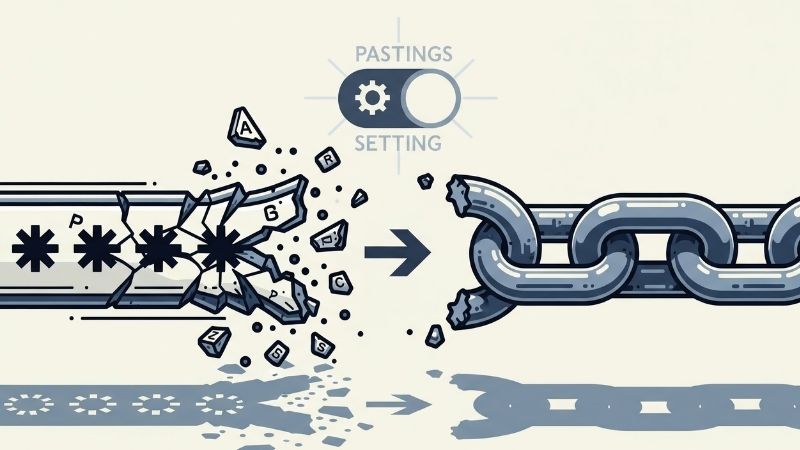
Now, let's get to the point: the password issue. If your password is still your name, date of birth, or worst of all, "123456," I apologize, but you're just inviting someone in. Hackers use programs that can crack these types of passwords in seconds, so your chances are zero. Creating a strong password doesn't require rocket science. Think of a ridiculous sentence, for example, "3SiyahKediDansEtti On The Roof!" Look, it has uppercase letters, lowercase letters, numbers, and symbols. How could anyone guess that? And for God's sake, stop using the same password everywhere. When that shopping site you trust gets hacked, all your accounts will be gone like dominoes, I'm telling you.
Let's say we've got the password sorted. But the real deal is in that little setting most people overlook: Two-Factor Authentication (2FA). Look, this is so important... I can't even explain it. It's your digital bodyguard. Someone, say, all the way from Russia, somehow managed to find your password and try to access it. Instagram immediately sends a code to your phone saying, "Hey, someone's trying to log in, is that you?" They can't log in without it. It's that simple. It doesn't take two minutes to activate it in settings. Please, please, please do this. It's even better if you use an app like Google Authenticator instead of the SMS option, because SIM card fraud is a reality. So don't take any chances.
There's also something no one thinks about: your old, worn-out email address linked to Instagram. If that email account isn't secure, good riddance. A hacker can log in, say, "I forgot my password," and take over your account in five minutes. No matter how hard you try, you won't be able to get it back. So, change the password on that email account immediately and set up two-factor protection for it too. These three things—strong password, 2FA, and secure email—are your insurance. It's that clear.
Be Vigilant: Fake Messages and Strange Behaviors

Technical measures are in order, but hackers aren't lazy. They resort to social engineering, which is to trick you. Their most popular trick is phishing. This happened to my cousin recently. He received a DM from someone called "Instagram Copyright Team," saying, "Your music is a copyright infringement. If you don't fill out the form, your account will be closed in 24 hours." Of course, the kid clicked in panic... and the rest is obvious. The account is gone. There are actually a few ways to spot these fake messages, so let me list them:
- They try to create panic and fear in you. Phrases like "Now!", "Urgent!", and "Last 24 Hours!" are their favorites.
- Look at the sender's name. A username like "instagram.official.verify" wouldn't work; it looks ridiculous anyway.
- Written Turkish is often broken. If you see inverted sentences like "Your account is about to be closed," know that it's a trap.
- They'll ask for things you should never ask for, like your password. Instagram never asks for this via DM.
Memorize this list. When you receive a message like this, there's only one thing you can do: delete and block. Don't click anything else. Don't be fooled by your curiosity. Also, occasionally check the Login Activity section in the Settings > Security menu. It lists the locations where your account has been accessed. If it appears someone from Erzurum has accessed your account while you're in Istanbul, red alert! Change your password immediately and log out of all devices. This is like checking your digital home for burglars; don't neglect it.
Finally, especially if you have a business account and are receiving payments... Please send secure links to your customers. And explain these phishing tactics to them. Security is a two-way street. The more vigilant you are, the more you protect those around you. Remember, the digital world is like a jungle. If you're not vigilant, you'll become the prey. It's that simple, and that ruthless.