Best LinkedIn Tools to Improve Your Content

It sometimes makes me wonder: why this anxiety to have something read by some six and a half thousand people? Certainly, I realize now, I am not the only one who feels this way. Those carefully chosen words, that brilliant idea... It all gets lost in the noise of the homepage feed. So, I started trying things to break this frustrating cycle. I realized it wasn't about creating more content. It was about polishing the material properly. To cut to the chase, I'll share a few life hacks I've discovered along the way that have actually worked—what I call Best LinkedIn Tools to Improve Your Content for me. These are things that will make your job easier and perhaps save you from that feeling of "wasted."
That "What Should I Write Today?" Question and Its Solutions
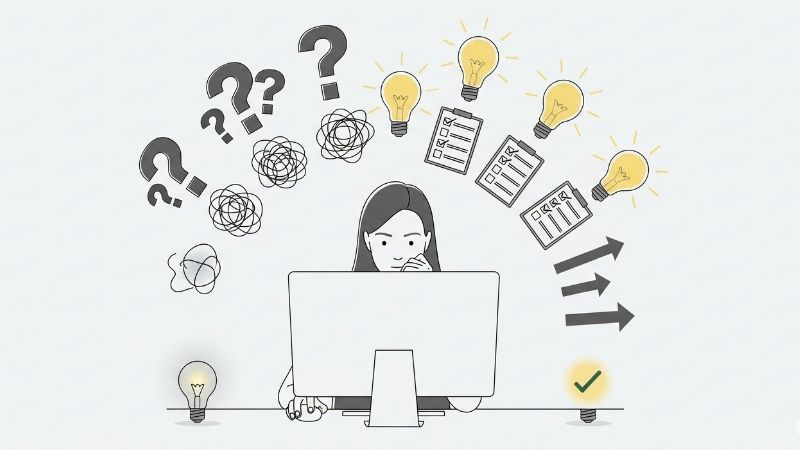
It all comes down to an idea. But that idea doesn't come every day. That damn cursor blinks in the top left corner of the screen, and your brain is just wind. It's a nightmare. We're sick and tired of hearing advice like "Be original," "Add value," and "Focus on your niche." We need something concrete. That's where someone has come up with a great idea for those like me who sometimes slack off when it comes to coming up with ideas. My first lifesaver is AnswerThePublic. You type a single keyword into this site, like "team management." The site maps out all the questions people have ever asked Google about this topic. Dozens of ideas, from obvious ones like "What makes a good team leader?" to more specific and valuable ones like "How to motivate a remote team?" It's a goldmine.
Let's say we've found the ideas. Organizing them is another matter entirely. That's where more structured and programmatic tools come in. Platforms like BuzzSumo may seem a bit pricey, I admit. Here's what it helps you do: It shows you six months' worth of trending content according to your industry and topics relevant to your competitors. So either the targeted content is being hit, or you understand what needs to be corrected. This way, content writers, especially in the B2B sphere, can actually draw up strategies based on data rather than wasting their time and energy on random incidences and assumptions. Once you start using these tools, content creation really stops being annoying and becomes a fun experience: "I wonder what I will find this time."
Text Isn't King: Making a Difference with Visuals
Don't be one of those old dinosaurs who only share text on LinkedIn. People don't read anymore; they scan. And if there's nothing to grab their attention during that scan, your post is instantly ignored. At first, I was thinking, "Who's going to bother with design now?" Then I realized that even the simplest, most bland posts attract more attention when presented with a good visual. Paying a professional designer for every post isn't an option. Fortunately, there's a solution.
You're probably already familiar with Canva. But the free version isn't the real deal. The real magic is in the Pro version, which costs the price of a coffee a month. When I switched to Canva Pro, things changed completely for me. Why? See:
- One-Click Brand Identity: You save your colors and logo once. All subsequent designs automatically align with your brand. This is such a time saver...
- Removing the Background: Let's say you're adding your own photo or a product image. Removing the background with a single click and making it transparent instantly adds a professional touch to the design.
- Carousel Templates: You know those scrolling posts where you tell your story step by step? Canva has hundreds of ready-made templates for that. All you have to do is change the text.
- Resizing: When you want to share a design as both a post and a story, it resizes it for you with a single click. It's incredibly practical.
But the real kicker is the video. I discovered a tool called Descript, which is practically a hack. I'm telling you, get ready. You record a speech. You upload it to the program. It converts the entire speech to text. You delete a word or sentence from the text, and wow, that moment disappears from the video too. It eliminates all those pesky "uh, ...